Learning
Training that’s practical, friendly, and built for real-life use.
Pick a topic and build confidence without the tech jargon.

Learning
No experience needed. Pick a topic, build foundational skills, or get comfortable with your devices—we’ll walk through it together, one simple step at a time and at your pace.
Explore Learning Topics
Pick what interests you. Click or tap any card to explore at your own pace.
How RGE Works
Learn how patient, one-on-one help turns tech frustration into understanding.
Explore topicAI + ChatGPT
Explore artificial intelligence in plain English, with practical examples and thoughtful guidance.
Explore topicAccess ChatGPT
Find your starting point for using ChatGPT and asking your first questions.
Explore topicSidekick Chip
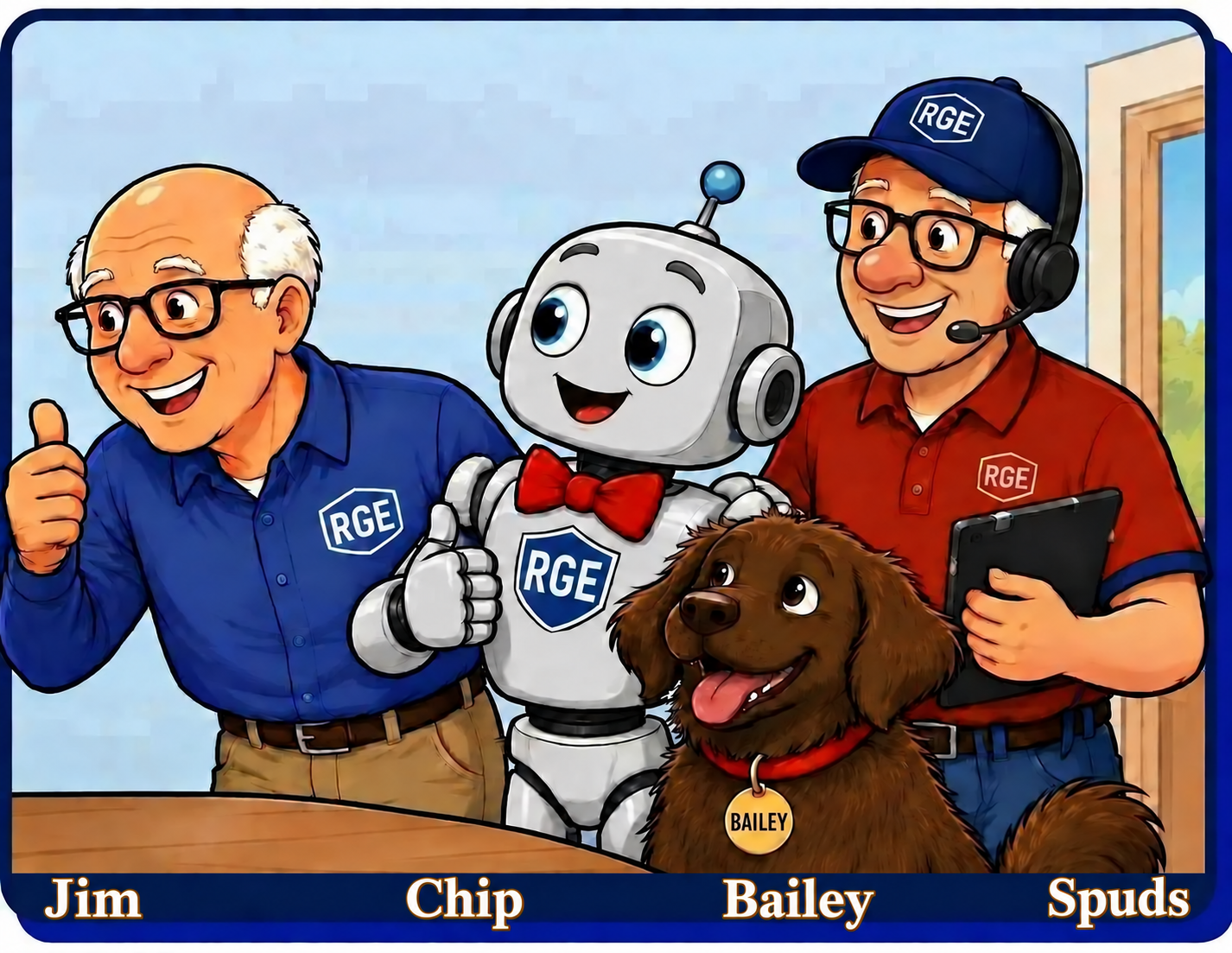
Meet Chip and explore how an AI sidekick can support your learning.
Explore topicAI Job Search
Explore ways AI can help with résumés, cover letters, and interview preparation.
Explore topicGrandPad vs iPad
Compare two approaches to tablet use and consider which fits your needs.
Explore topicTech Buying Guides
Choose technology that fits your needs, with practical advice before you spend.
Explore topicRGEisms
Enjoy memorable sayings and lessons that bring common sense to technology.
Explore topicLet’s Solve This Together
Explore practical problem-solving and build confidence one step at a time.
Explore topicFuture Projects
Take a look at ideas and projects on RGE’s learning horizon.
Explore topic“At RGE, we're not teaching technology as much as we're teaching common sense applied to technology.”
Technology changes. Common sense doesn't. The goal isn't to memorize every button and menu — it's to understand the basics well enough to feel confident, solve problems, and make technology work for you.
— Jim Kallaugher
Home Tech Consultant, Red Glen Electronics
Fixing Tech the RGE Way
Join Aunt Dot, Jim, and the RGE crew for a lighthearted look at familiar tech troubles—and how patient help turns frustration into confidence. This short video shows what to expect from an RGE Tech Review and how a little preparation, focused goals, and hands-on practice support our Fix & Teach mission.
YouTube video (privacy/cookie policies apply).

© 2026 Brian Crane. Distributed by Andrews McMeel Syndication.
Click or tap to enlarge.
If Your Family Member or Friend Is “Brand New” to Computing...
Everyone starts somewhere. Family members, library staff, senior centers, and other tech helpers can be the first bridge to learning.
This pre-session roadmap helps new users build basic skills and understand common terms before one-on-one support with RGE—making sessions smoother, more productive, and less frustrating.
As confidence grows, Learning and Archives offer practical topics and quick-reference help to explore at your own pace.
Prefer a printed copy?
RGE Paperbacks with Amazon Links.
Tech Help You Can Hold in Your Hands
Explore our four RGE paperbacks—from a friendly starting point to practical guides, worksheets, and lessons learned.
Start Here — Step-by-Step
Section’s Focus: Build skills step by step, from the basics to the bigger picture, with clear explanations and practical examples. Works on any device; a desktop or laptop is most comfortable for deeper learning.
If you’d like a simple map of what’s inside Learning:
Keep Exploring. Keep Learning. Keep Building Confidence.
RGE Essentials
Need a quick refresher? Visit the RGE Essentials Library for concise, printable reference guides covering today's most common technology tasks.
Smart Tech Buying Guides
Thinking about replacing a computer, tablet, or other device? Explore RGE's independent buying guides before you spend a dollar. Learn what to buy, what to avoid, and how to choose technology that fits your needs—not today's marketing.
Technology will continue to change.
Keep learning, stay curious, and remember:
we don't just solve today's technology problems—we help you face tomorrow's with confidence.