
RGE Essentials
One Page. One Topic. One Takeaway.
The smartest technology users don't remember everything—they know where to find it. RGE Essentials are designed to turn today's reference into tomorrow's routine... one page at a time.
Read it. Print it. Use it. Master it.
📘
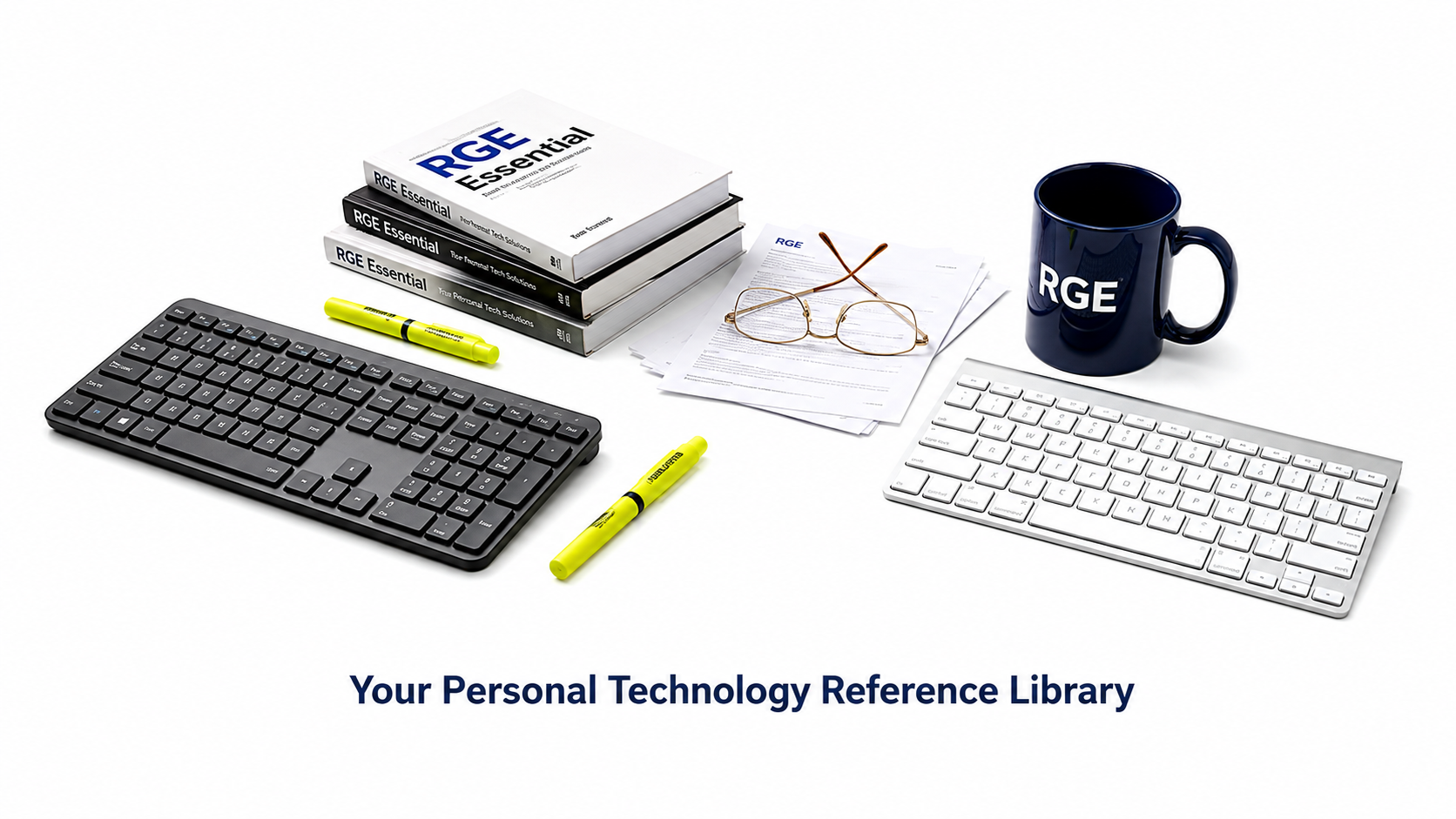
Meet RGE Essentials — your library of simple, printable guides for everyday tech.
Think of them as your personal tech ambassadors. Their mission:
help you handle the digital world with confidence — and grant you full
Diplomatic Immunity from everyday tech headaches.
(No treaty signing required.)
We built Essentials for anyone who wants a little more know-how about the
technology they already use — whether you're just getting comfortable or
you've been at this for years.
There's something here for the whole range.
📜
📜 Diplomatic Immunity
📜 Immunity Includes
- Freedom from confusing computer jargon.
- Safe passage through intimidating menus and settings.
- Protection against unnecessary upsells and gimmicks.
- The right to invoke a fly swatter to tackle a tech problem before anyone reaches for the bazooka.
- Unlimited biscuit privileges for Bailey during official technology inspections.
🚫 Unfortunately, It Doesn't Cover
- Windows Updates.
- Printer tantrums.
- Forgotten passwords.
- "Your warranty has expired" phone scams.
- Family members who insist, "I didn't touch anything." 😄
Every guide is one more step toward becoming a more confident technology user.
Teacher first. Technician second. People always.
🐶 New to RGE? Meet Bailey, our Chief Biscuit Officer, and the Three Amigos!
Meet RGE's 4 Amigos! →
📚
Essential Reference Guides
Choose the category that matches your question, then start with one guide. If you wonder whether these guides are for you, a little encouragement awaits below.
Browse by Category
Five categories. Twenty-One guides. Find what you need faster.
1. Computer Basics
Essential commands, keyboard shortcuts, file management, and system basics.
2. Internet, Email & Cloud
Browse, connect, communicate, and manage your email and cloud services.
3. Safety, Security & Protection
Protect your accounts, data, and devices with smart, simple safety practices.
4. Phones & Tablets
Get the most from your iPhone, iPad, and new devices with confidence.
5. Everyday Digital Life
Photos, printing, AI, and everyday tech that makes life easier and more useful.
RGE Essentials Mini-Workbook
All twenty-one RGE Essentials. One easy download.
Want the complete collection in one convenient package? Download the RGE Essentials Mini-Workbook to save or print all twenty-one guides without opening them individually.
If you need only one or two Essentials, the individual links above are still the quickest way to select and print exactly what you need.
Download the Essentials Mini-Workbook💡
💡 You're Probably Better at Tech Than You Think
You don't need to be a technician to be good with technology.
If you can email, text, browse, snap photos, use apps, or bank online, you're already a capable technology user. Troubleshooting is a whole different skill — and it's not the one you need to be great at.
Think of it like driving.
You don't need to understand fuel injection to be a great driver.
You just need to know where the blinker is. 😁
RGE's job isn't to turn you into a technician.
It's to help you become a confident driver in the digital world.

Mother Goose & Grimm
Comic by Mike Peters. Cropped under fair use.
View the series at
GoComics.
💡 Click cartoon to enlarge. Click outside image or press Esc to close.
🚀
Ready for the Next Steps?
RGE Archives
Practical tips and past seminars, organized for quick reference. Best explored on a tablet or larger screen.
Visit ArchivesRGE Learning
Essentials teach the steps. Learning's "Let's Solve This Together" tells the stories — real-life case files showing those steps solving real problems. Best explored on a desktop or laptop.
Visit Learning