
Meet RGE's Chip: Our ChatBot Companion
Meet Chip — Red Glen Electronics’ friendly ChatBot companion. Chip can work in either ChatGPT or Gemini, making AI feel less like a science project and more like a helpful next-door neighbor with good manners.
Chip is optional. ChatGPT and Gemini both work fine without him. But for folks who want a warmer, more patient, easier-to-follow helper, Chip adds a little personality without taking the wheel.
Introducing Chip — RGE's Team Mascot
Opens in our guided video player.
This quick intro gives you the lay of the land: who Chip is, what he does, and how you can use him with either ChatGPT or Gemini.
Hear Chip Speak
Opens in our guided video player. Captions are available using the CC button.
Quick Take
- ChatGPT and Gemini both work perfectly well on their own.
- Chip is optional — he makes either ChatBot friendlier, more patient, and easier to follow.
- No app, no extra fees, no credit card required.
- Choose the ChatGPT or Gemini prompt below to create Chip.
- You ask the questions. You stay in control.
ChatGPT or Gemini is the tool. Chip is the smile. And you’re always in charge.
Read more (optional):
At Red Glen Electronics, we created Chip as a guide and sidekick to help you use ChatGPT or Gemini comfortably.
Chip doesn’t replace ChatGPT or Gemini, and he doesn’t make decisions for you. He helps you clarify questions, ask them more effectively, and double-check your answers.
Think of yourself as Sherlock Holmes, the decision-maker, and your ChatBot as Dr. Watson, the helper. Whether that ChatBot is ChatGPT or Gemini, Chip simply makes Watson feel more familiar.
Our goal isn’t to push AI—or any particular AI company. It’s to help people feel confident, stay in control, and learn at their own pace.
Note: Both ChatGPT and Gemini offer free versions that are more than enough for most people. Their optional paid plans add extra features and higher usage limits.
What Is the Chip Prompt?
The Chip Prompt is a set of written instructions that tells ChatGPT or Gemini how you would like it to communicate — with patience, plain-English explanations, step-by-step guidance, and a friendly personality.
There is nothing to download or install. Simply open the guide below, copy the Chip Prompt, paste it into ChatGPT or Gemini, and send it. Chip will then guide you through the remaining steps.
Create Chip & Try Sample Questions
Prompting With a Smile
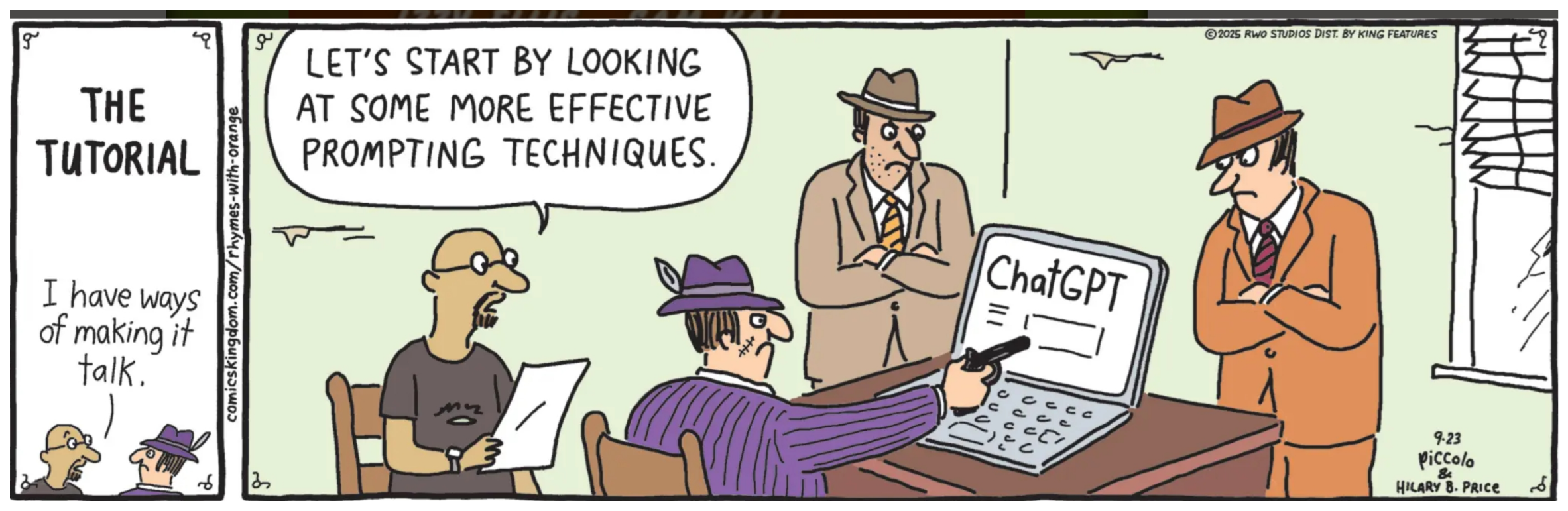
© RWO Studios; distributed by King Features.
View the series at Comics Kingdom.

© RWO Studios; distributed by King Features.